


If your computer turns on but is not working properly, don’t assume it’s broken
If your computer powers on but feels slow, freezes, or behaves unpredictably, you are not alone. This is one of the most common issues users face.
Before you spend money on repairs or consider replacing your device, it’s important to understand what’s really happening. In most cases, the issue is not a major hardware failure, but something that can be fixed efficiently.
Slow performance does not mean your computer is damaged
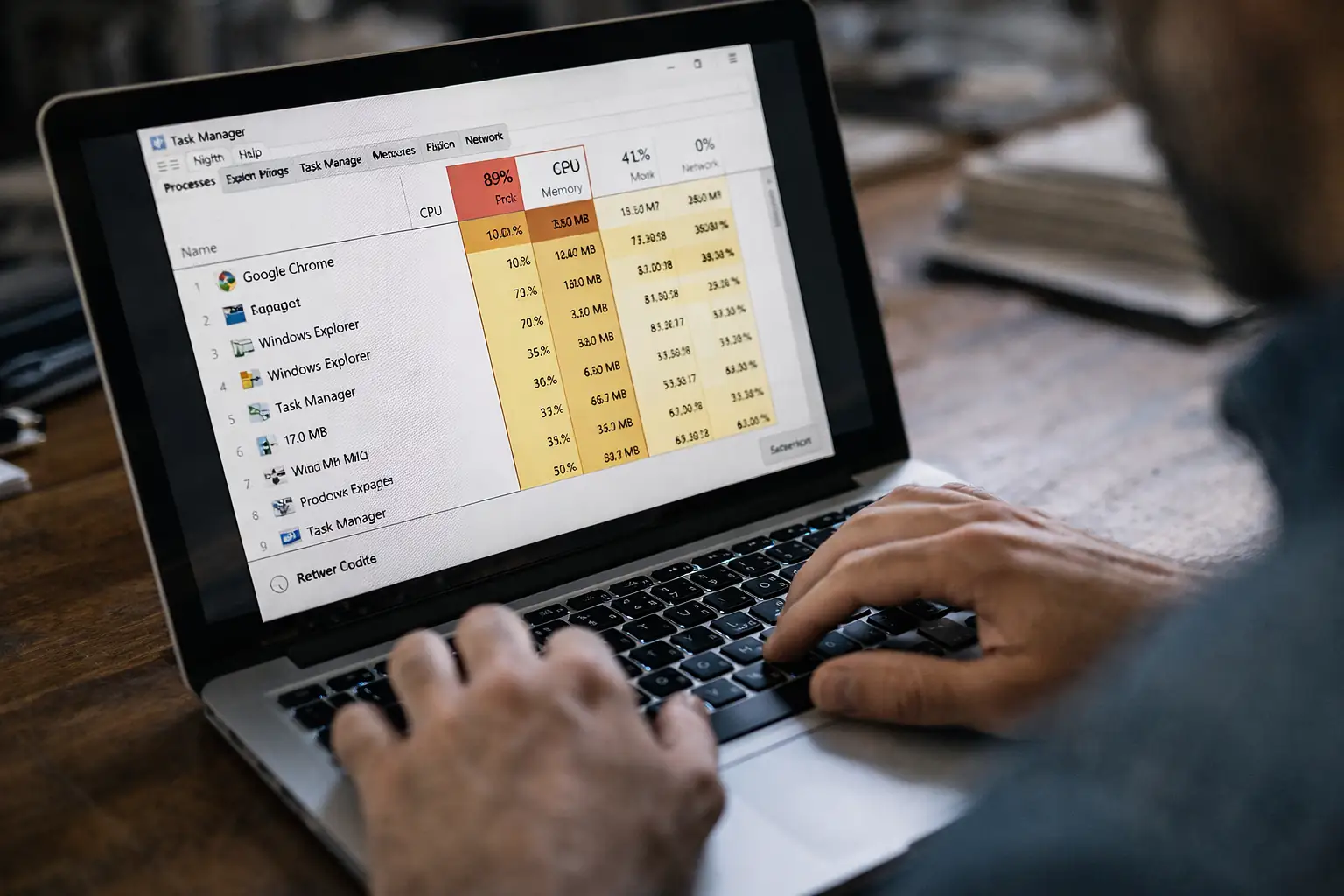
A system that becomes slow over time is often dealing with internal overload rather than physical damage. Many computers accumulate unnecessary processes that run constantly in the background.
These processes consume memory, CPU, and disk usage, making the system feel unresponsive even if the hardware is still in good condition.
Hidden software issues can affect your system without warning
Your computer may be affected by unwanted software, background services, or programs you never intentionally installed. These elements can silently impact performance.
Even if everything looks normal, these hidden processes can cause slowdowns, errors, and instability over time.
If you want to run a basic scan yourself, tools like Malwarebytes can help detect hidden issues and improve performance. You can check a recommended option here : Malwarebytes Premiun. Keep in mind that not all issues can be solved with automatic tools, and removing the wrong files can affect your system.
System errors and failed updates can create instability
Operating systems like Windows depend on continuous updates and proper configuration. When something fails during an update or a system file becomes corrupted, your computer may start behaving unpredictably.
This can include freezing, long startup times, or programs not responding correctly.
Sometimes the solution is not repair, but improvement
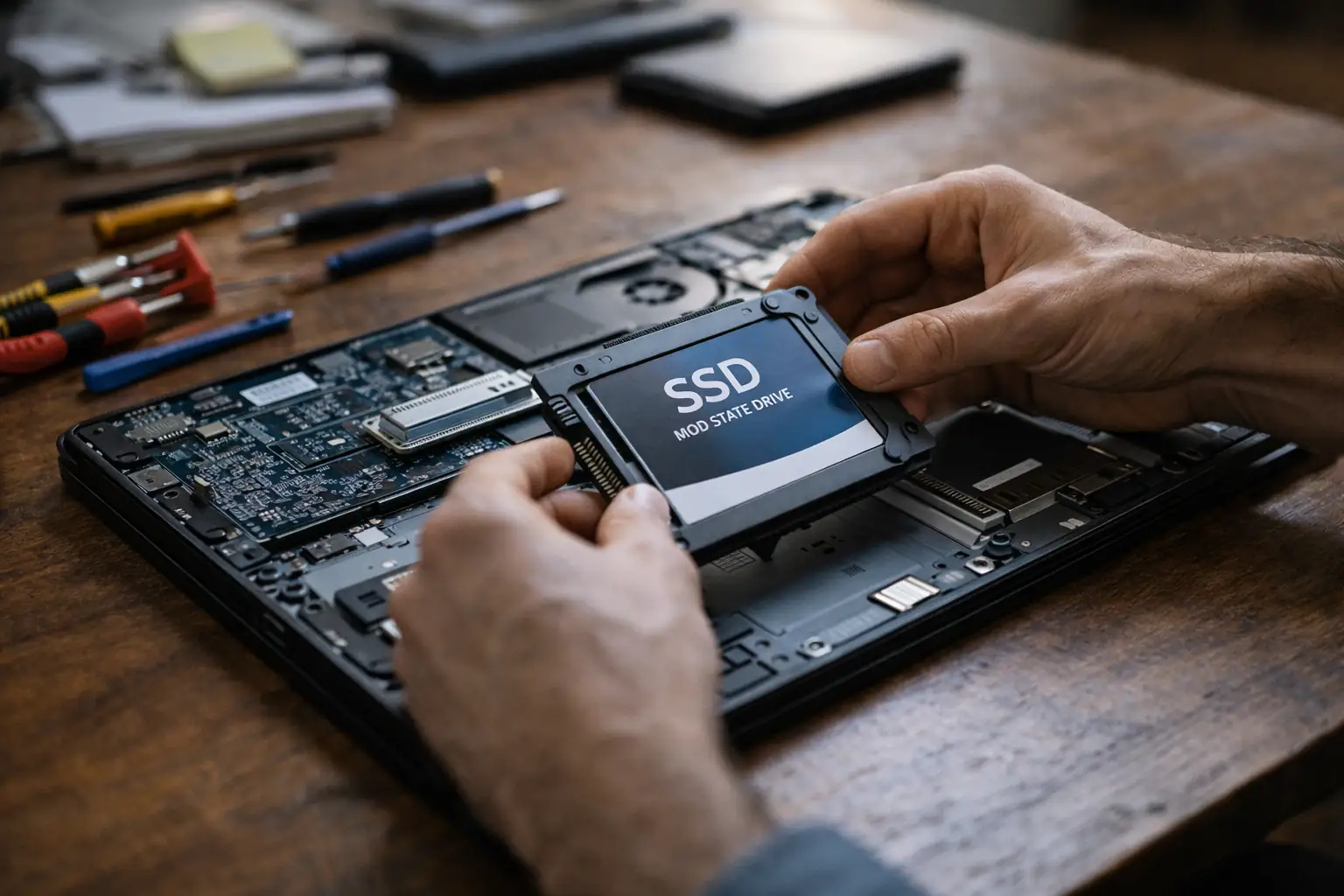
In many cases, performance issues can be solved with small upgrades instead of full repairs. Replacing a traditional hard drive with an SSD can dramatically improve speed. Increasing RAM can help the system handle more tasks smoothly.
If your computer still uses a traditional hard drive, upgrading to an SSD is one of the most effective ways to improve performance. You can check a reliable option here : Recommended SSD upgrade for laptops and desktops.
Upgrade your computer the right way
Get a clear diagnosis before spending money on parts or repairs
Get Free DiagnosisChoosing the right type of SSD depends on your system, so if you're unsure, it’s better to confirm compatibility before buying.
These are controlled improvements that extend the life of your computer without unnecessary expense.
Overheating can also impact performance
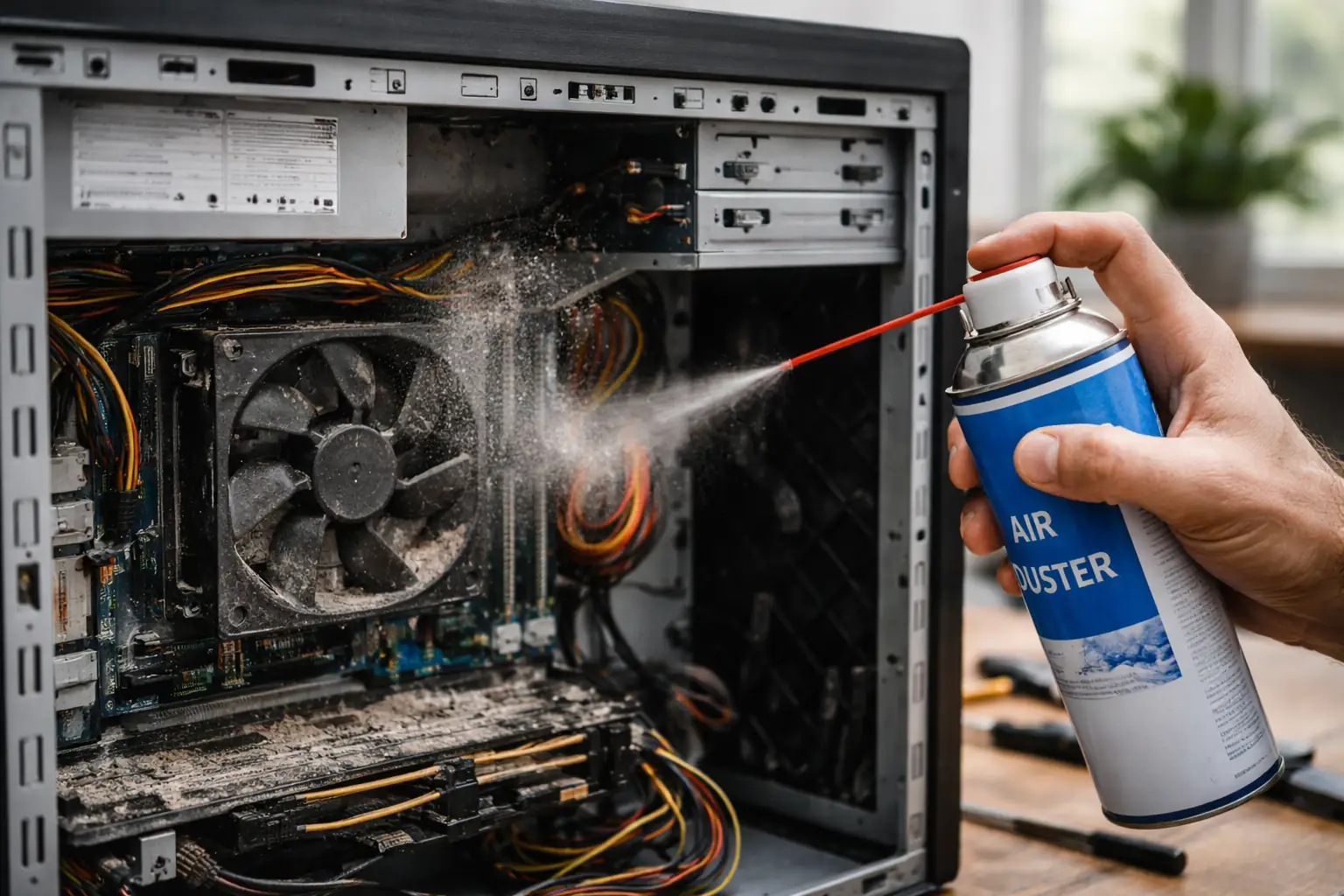
Dust buildup inside your computer can reduce airflow and increase internal temperature. This affects performance and can cause the system to slow down or behave inconsistently.
Basic maintenance tools like compressed air can help remove dust safely and improve airflow. You can check a suitable option here Compressed air for computer cleaning.
Regular cleaning can prevent long-term damage and keep your system running more efficiently.
If your computer is slowing you down, you’re already losing time and money. Let’s fix the real problem today.
Fix My Computer NowProper internal cleaning can restore stability and prevent long-term damage.
When should you stop trying to fix it yourself
If your computer continues to perform poorly after basic adjustments, or if errors keep appearing, continuing to experiment without proper knowledge can make things worse.
This is the point where a correct diagnosis becomes important to avoid unnecessary costs.
Software-focused computer service in hialeah and nearby areas
At ITNova Solutions, we focus on solvin real problems instead of recommending unnecessary repairs.
Free diagnosis at your home.
Clear and honest recommendatios before any work is done.
We serve Hialeah Gardens, miami Lakes, Doral and sorrounding areas within a 10 miles radius.
Contact