


Many people start searching for “computer repair near me” when their computer becomes slow or unresponsive. While professional repair is sometimes necessary, many performance issues can actually be solved with simple maintenance and basic troubleshooting.
Understanding the most common causes of slow computers can help you save time, protect your data, and extend the life of your device before calling a technician.
COMMON REASONS WHY COMPUTERS BECOME SLOW
Over time, computers accumulate temporary files, background programs, and outdated software that consume valuable system resources. This is one of the most common reasons people begin searching for computer repair services in Hialeah or nearby areas.
Several factors can affect your computer’s performance, including:
- Malware infections
- Too many background programs
- Overheating
- Aging hardware components
- Too many startup applications
Another frequent issue occurs when the cooling system becomes clogged with dust. When airflow is restricted, processors begin to overheat and automatically reduce their performance to prevent internal damage.
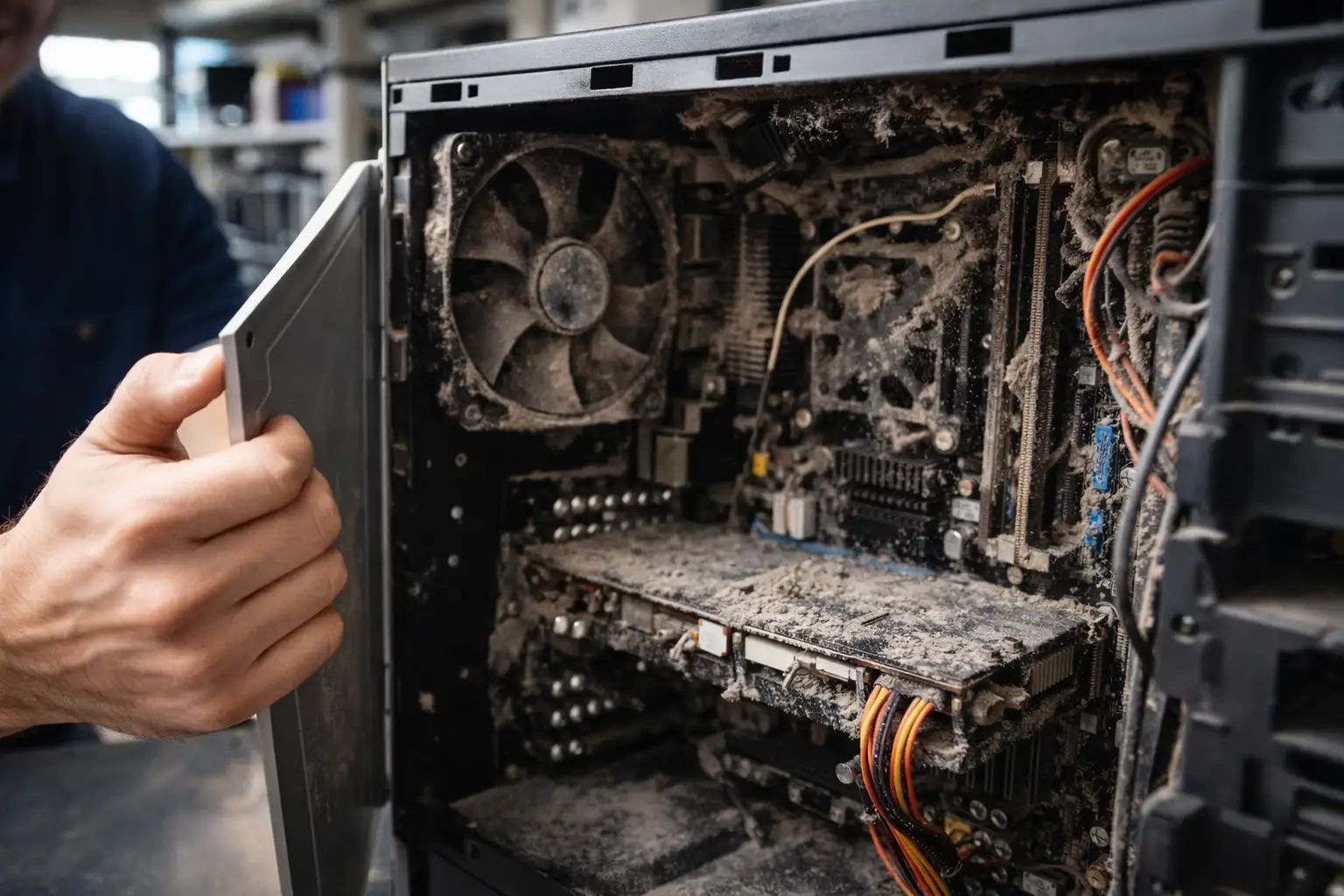
CLEAN YOUR COMPUTER PROPERLY
Dust buildup inside computers is one of the most overlooked causes of slow performance. When dust accumulates on cooling fans and heat sinks, the processor cannot cool properly, forcing the system to slow down.
Cleaning the internal components safely can restore airflow and improve overall performance. You can safely remove dust using tools like a compressed air duster designed for computer cleaning. Many technicians use tools similar to this one available on Amazon. Technicians often use compressed air to remove dust from key components such as cooling fans, power supplies, and motherboard areas.
Using proper tools designed for electronics cleaning can help remove dust from fans, keyboards, and internal components without damaging sensitive parts. Many technicians recommend using tools similar to professional computer cleaning kits available on Amazon, which allow you to safely clean vents, fans, and internal components.
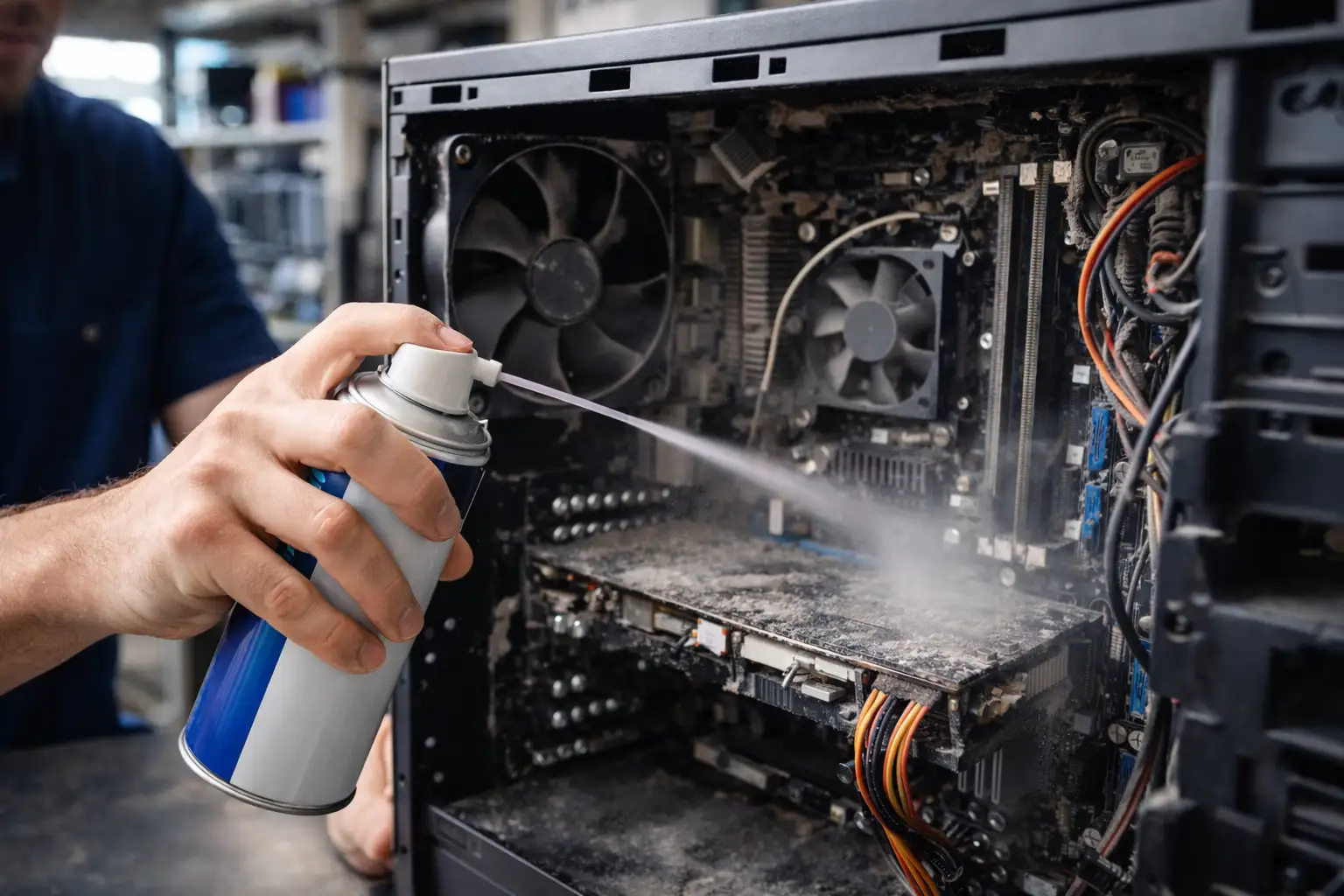
Regular cleaning can extend the life of your computer and prevent overheating issues that often lead to hardware damage.
REMOVE UNNECESSARY PROGRAMS
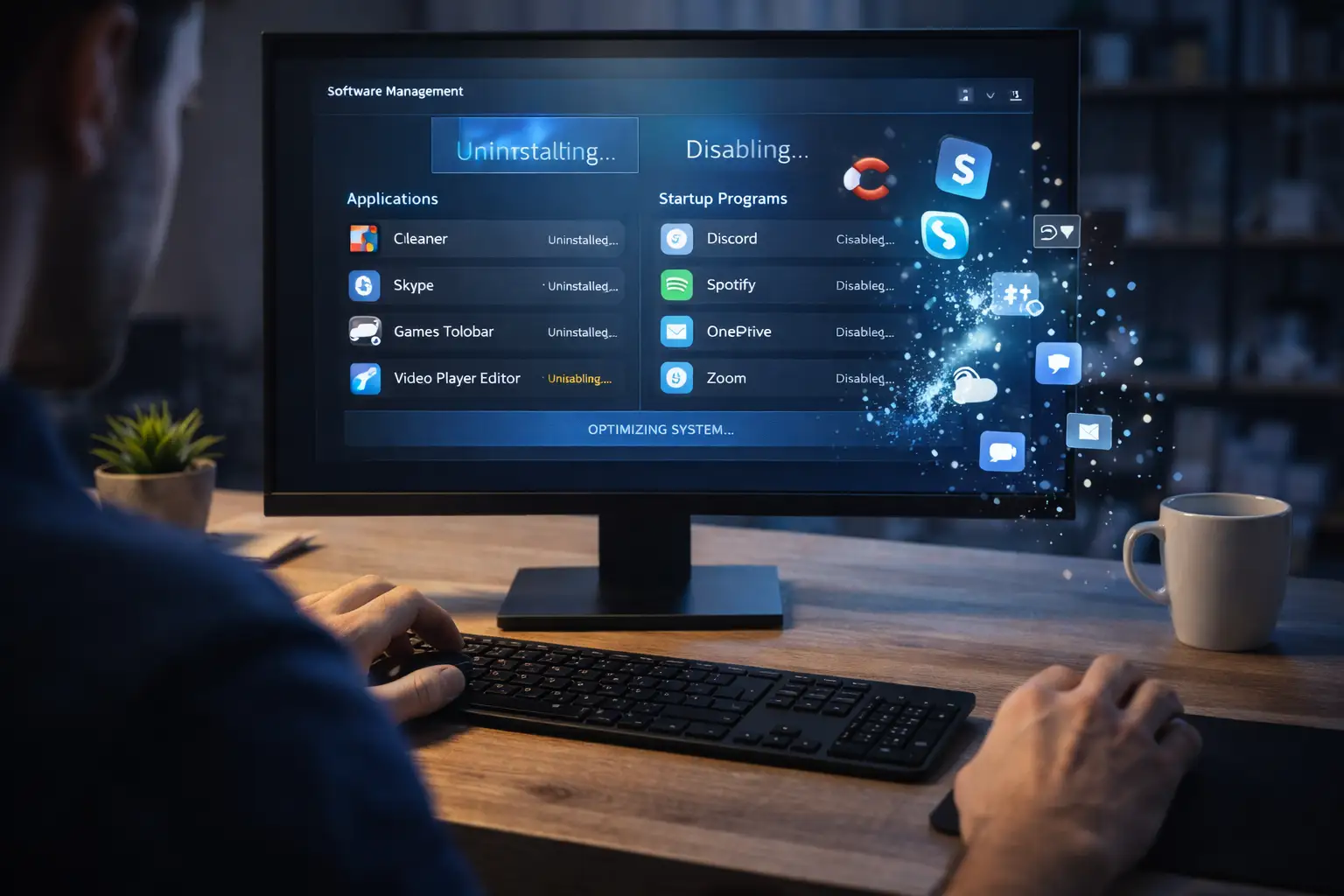
Many computers become slow simply because too many programs are installed or running automatically when the system starts.
When unnecessary software runs in the background, it consumes memory, processor power, and storage resources.
To improve performance, you can:
-
Uninstall programs you no longer use
-
Disable unnecessary startup applications
-
Remove temporary files
-
Free up storage space
Making these adjustments can significantly improve boot time and overall system responsiveness.
CHECK FOR MALWARE AND VIRUSES
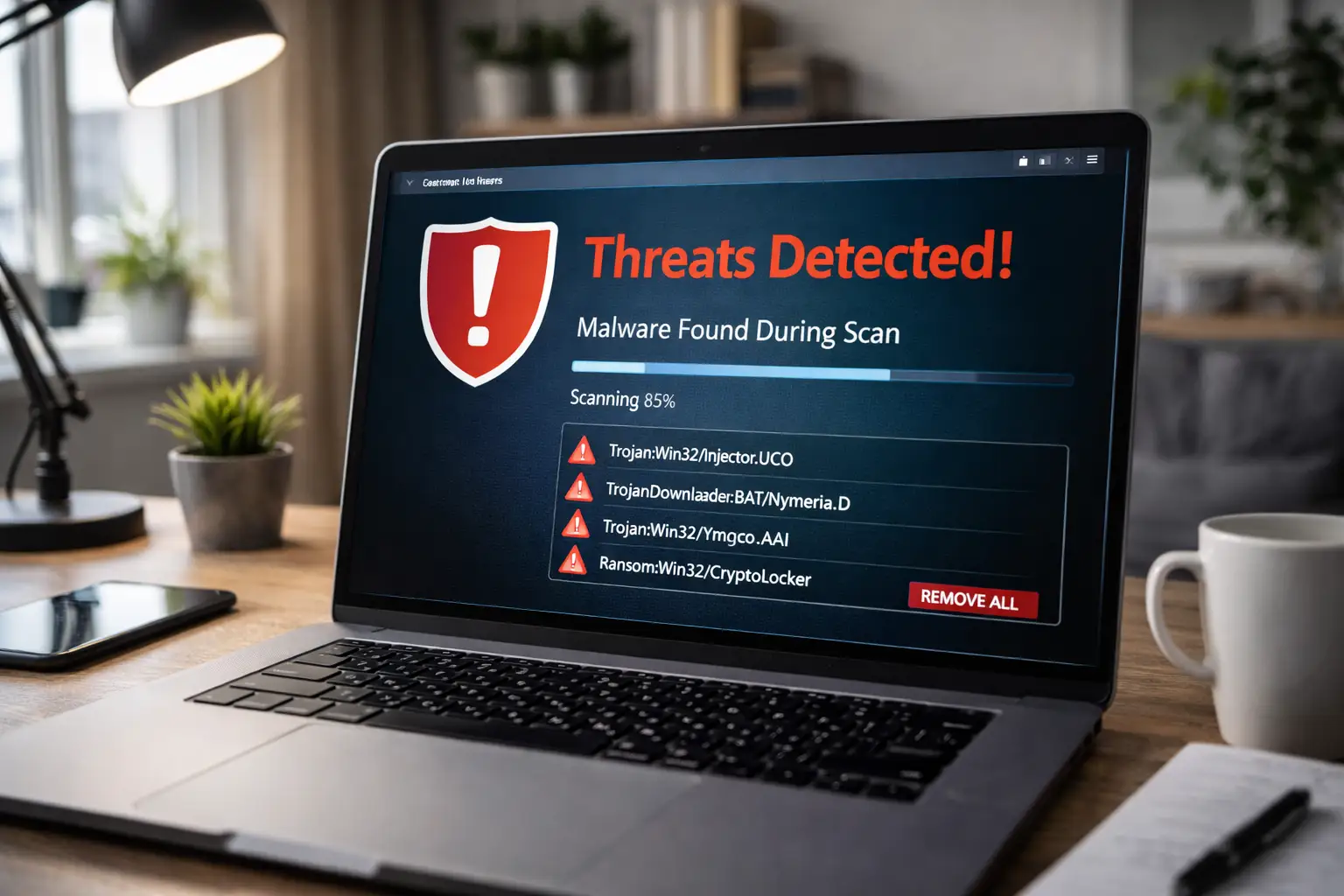
Malware is one of the main reasons users begin searching for computer repair services. Malicious software can steal personal information, slow down devices, and compromise personal data.
Some common signs of malware include:
- Sudden slow performance
- Browser redirects
- Unexpected pop-ups
- Programs opening automatically
Running a full antivirus scan with updated security software is one of the easiest ways to detect and remove these threats.
Keeping your operating system and security tools updated is essential to prevent future infections and maintain system stability.
WHEN PROFESSIONAL COMPUTER REPAIR IS NECESSARY
While many performance issues can be resolved with simple maintenance, some problems require professional diagnosis and repair.
For example, issues such as:
- Failing hard drivers
- Motherboard problems
- Damaged RAM
- Power supply failures
Often require specialized tools and experience.
If your computer continues to freeze, crash, or display unusual behavior after basic troubleshooting, it may be time to seek professional computer repair services.
For users searching for computer repair in Hialeah or nearby areas, working with an experienced technician ensures the problem can be diagnosed and resolved efficiently.
CONCLUSION
A slow computer does not always mean expensive repairs. In many cases, performing simple maintenance tasks such as cleaning internal components, removing unnecessary programs, and scanning for malware can restore performance and extend the life of your system.
However, when deeper hardware issues occur, seeking professional computer repair services may be the safest solution to prevent further damage and protect your important files.
Taking proactive steps today can help keep your computer running smoothly, securely, and efficiently for years to come.