Most slow Wi-Fi problems come from the router's position, interference or too many devices, not from the internet plan itself. Before you call your provider or a technician, these seven checks take about 15 minutes and often solve it.
Test with a cable
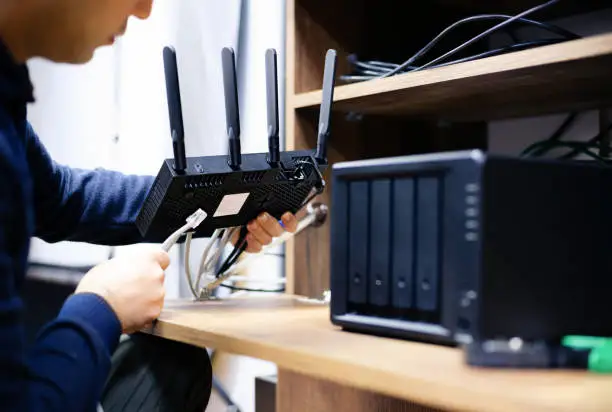
Connect a computer to the router with an Ethernet cable and run a speed test. If the wired speed is close to what you pay for, your internet is fine and the problem is the Wi-Fi. If it is also slow, call your provider.
Restart the router properly
Unplug it for 30 seconds, plug it back in and wait a few minutes. It clears memory and reconnects to your provider. If you need to do this every week, something is wrong and it is worth investigating.
Move the router
Place it in a central, high, open spot. Avoid closets, the floor, behind a TV or next to a microwave. Walls, mirrors, aquariums and metal furniture weaken the signal.
Check how many devices are connected
Phones, TVs, cameras, consoles and smart speakers all share the same connection. Disconnect what you do not use and see if the speed improves.
Use the 5 GHz band when you are close
The 2.4 GHz band reaches farther but is slower and more crowded. The 5 GHz band is faster at short range. If your router shows two networks, try connecting your main devices to the 5 GHz one.
Change the Wi-Fi channel
In apartment buildings and dense neighborhoods, dozens of routers compete on the same channel. In the router settings, try a different channel or switch to automatic.
Update the router and check its age
Old routers (five years or more) may not handle today's number of devices and may have out-of-date security. Check for a firmware update, and consider a newer model or a mesh system if your home is large.
When it is time to call a technician
If the wired test is fast but the Wi-Fi still drops in several rooms, if you need coverage in a large home or office, or if you want a separate network for guests, cameras or work, the network may need to be redesigned (mesh Wi-Fi, access points, wired backbone, VLANs). At ITNova Solutions we set up and optimize home and small-business networks, remotely or on-site within 10 miles of Hialeah Gardens.
Request a free quote or see our network solutions.